AI Automated Code Refactoring: A Practical CLI Guide
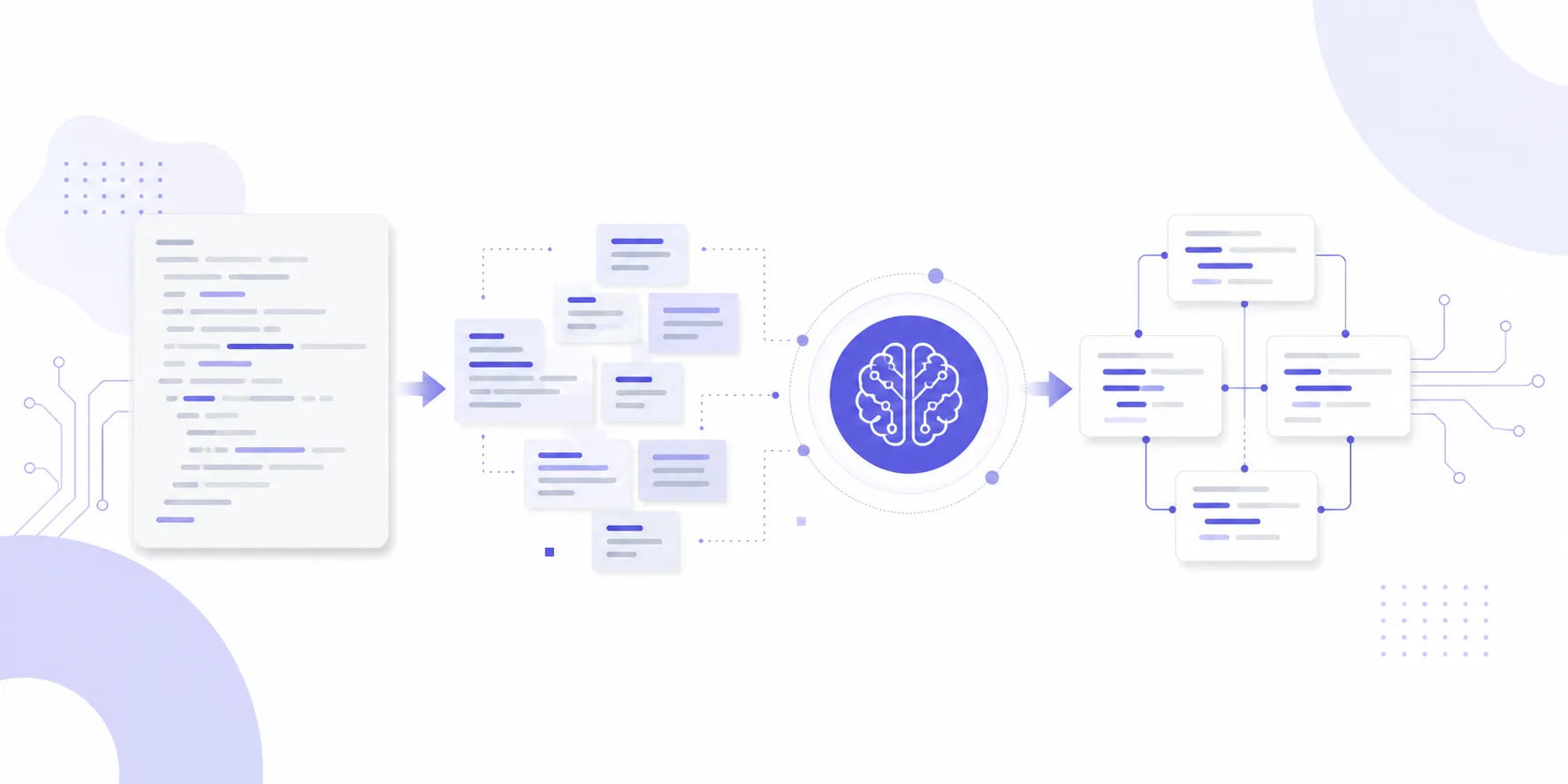
Legacy codebases have a familiar smell: no test coverage, functions pushing 500 lines, global variables everywhere, and comments that contradict the logic they're supposed to explain. Handing one of these to a team typically means weeks or months of manual work before anything improves.
That's exactly where AI automated code refactoring earns its keep. Not by making every decision for you, but by compressing the friction across the full pipeline: understand existing code → generate candidate changes → validate the result. This article walks through a repeatable workflow using three mainstream coding CLIs — Claude Code, Codex (OpenAI CLI), and Gemini CLI — along with the real pitfalls you'll hit and how to control for them.
Step 1: Map the Codebase Before Touching Anything
You need a quantitative baseline before AI touches a single line. Two metrics matter most.
Cyclomatic complexity and test coverage
# Python: generate a complexity report with radon
radon cc ./src -s -a

# Establish a coverage baseline
pytest --cov=src --cov-report=term-missing
Treat these as hard gates, not guidelines: any function with cyclomatic complexity above 15 goes to the top of the refactoring queue. Any module with less than 40% test coverage is off-limits for logic changes until you've written tests for it. No exceptions.
Generate a code map with AI
Use Claude Code for the first scan:
claude "Analyze ./src. List: 1) functions over 200 lines; 2) utilities depended on by 3+ modules; 3) duplicated logic blocks with >70% similarity. Output a markdown table."
Equivalent commands for the other tools:
# Codex
codex "audit ./src for functions >200 lines, high-fan-in utilities, and duplicated logic blocks. Output markdown table."

# Gemini CLI
gemini "Scan ./src. Identify: functions >200 lines, modules with >3 dependents, duplicated logic. Return markdown."
The three tools will typically diverge by 10–20% on the same codebase. Take the union of all three results. Relying on just one scan leaves blind spots.
Step 2: File-by-File Analysis and Refactoring
Don't feed the entire codebase to the model at once. Even with a large context window, semantic noise scales badly with file count. The right unit of work is a single file.
[single file] → [AI analysis] → [generate diff] → [automated tests] → [human review] → [merge]
Take a concrete example: a Node.js legacy service where userService.js has 18 functions, 820 lines, and zero unit tests.
Generate refactoring suggestions — don't touch the file yet
claude --file ./src/userService.js \
  "What are the refactoring opportunities in this file? Focus on: single-responsibility violations, extractable pure functions, callback chains that can be replaced with async/await. Suggestions only — do not modify the file."
This produces a structured list of 5–12 actionable items. Save it as refactor-plan-userService.md. It becomes the contract for everything that follows.
Write tests first, then refactor
This ordering is non-negotiable:
# Generate tests that document existing behavior
claude --file ./src/userService.js \
  "Using the existing function signatures and behavior, write Jest unit tests for all exported functions. Cover happy paths and edge cases."

# Once tests pass, proceed with targeted refactoring
claude --file ./src/userService.js --file ./tests/userService.test.js \
  "Refactor userService.js per items 1, 3, and 5 in refactor-plan-userService.md. All existing tests must still pass. Output a unified diff."
Requesting a unified diff — not the full file — is deliberate. It keeps code review scoped to actual changes and prevents the model from silently touching unrelated logic.
Run the automated validation loop
git apply refactor-userService.patch
npm test -- --testPathPattern=userService
radon cc ./src/userService.js -s
After a sound refactor, average function complexity should drop from above 10 to below 6, and the maximum should come down from above 20 to below 12.
Choosing the Right Tool for the Job
| Dimension | Claude Code | Codex | Gemini CLI |
|---|---|---|---|
| Context window | Up to 200K tokens, strong cross-file reasoning | Up to 128K tokens | Up to 1M tokens — advantage on large repos |
| Refactoring quality | Strong explanations, good edge case coverage | Clean style, thorough comments | Fast; best for bulk scanning |
| Diff output stability | High, consistent format | High | Medium — occasional format drift |
| Local file access | Native | Native | Requires --sandbox flag |
| Best fit | Complex logic, dependency-heavy refactoring | Style normalization, documentation | Large-scale initial audit, architecture scanning |
In practice, teams often combine all three: Gemini CLI for the full-repo audit, Claude Code for high-complexity files, and Codex for style cleanup and documentation.
Risk Controls: 5 Rules That Aren't Optional
The biggest risk in AI automated code refactoring isn't that the model makes a wrong change. It's that the model makes a wrong change and nobody notices. These five rules keep that risk at an acceptable level.
1. Every AI change goes through CI gates. Add a quality gate to your PR pipeline: coverage cannot drop below the pre-change baseline, and cyclomatic complexity cannot increase. Enforce this with GitHub Actions or GitLab CI quality gates — don't rely on manual checks.
2. No logic refactoring without tests. AI-generated tests have blind spots, but they're an order of magnitude better than nothing. Any file below 60% coverage gets tests before it gets touched.
3. One file per commit. Atomic commits are what make rollback feasible. Don't let the model change ten files and bundle them into a single PR.
4. Archive the AI's raw output. Keep a log of every CLI interaction — input prompt and output — in something like an .ai-log/ directory. When something breaks, you want a full decision trail.
5. Human review for any cross-module change. In-file extraction and simplification can be highly automated. The moment a change involves interface modifications, module splits, or data structure redesigns, an engineer needs to sign off at the architecture level. The AI does not get to make that call unilaterally.
Follow these five and the failure modes become manageable. The real risk isn't the tooling — it's treating AI as autonomous instead of assistive.
One practical note from running this workflow at scale: the cost adds up fast when you're making high-frequency calls to large models for big-file analysis. My team routes everything through XycAi (xyc.ai), which gives us access to 200+ models through a single OpenAI-compatible API endpoint. GPT and Claude official models come in at a fraction of list price, and setting up Claude Code or Codex to point at a custom API base is literally a one-line config change. Worth looking at if your team is running this kind of pipeline at any real volume.
One API for 200+ global AI models
GPT · Claude · Gemini official models from 14% of list price. Licensed LLM filing, CN2 direct connect at ~5ms, compliant global invoicing.
Try XycAi →